MSON-React
THIS PAGE IS A STUB.
Here is where you will be able to find reference information about MSON-React, the UI layer for the MSON software system, created by Geoff Cox.
Using Query Parameters with MSON-React
Define the Route with a Menu Item
{
  path: '/contacts/edit/:id',
  label: 'Edit Contact w Id',
  content: {
    component: 'app.EditContact'
  },
  hidden: true
},
If you add a menu item like this to a mson menu component (e.g. the one used at mson-react/src/demo/app.js), the menu item will match this route to the EditContact component and the query parameter named id will be available for your use in the globals object.
You can access it like this:
render() {
  /** get the route out of the globals */
  const route = globals.get('route');
And somewhere in the render function (e.g. in the return function of the react component), do something like this:
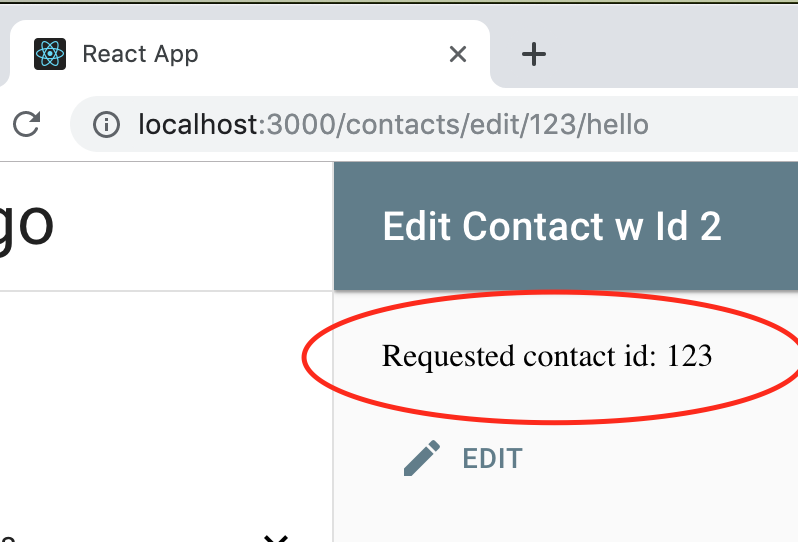
<div>{ route !== undefined ? 'Requested contact id: ' + route.parameters.id : 'no id found'}</div>
And we get the id output to our app: